Door Access Control Systems in Dubai
Door access control systems designed, installed and configured for offices, shops, schools, clinics, warehouses and residential buildings across Dubai and the UAE. We choose the readers, controllers and locks to suit each door and how it is used.
- Free site survey
- Card, PIN, fingerprint or face readers
- Installed across the UAE
- Door survey and design
- Card, PIN, fingerprint and face readers
- Links to attendance and intercom
- Installation across the UAE
Door Access Control: Design, Installation & Setup
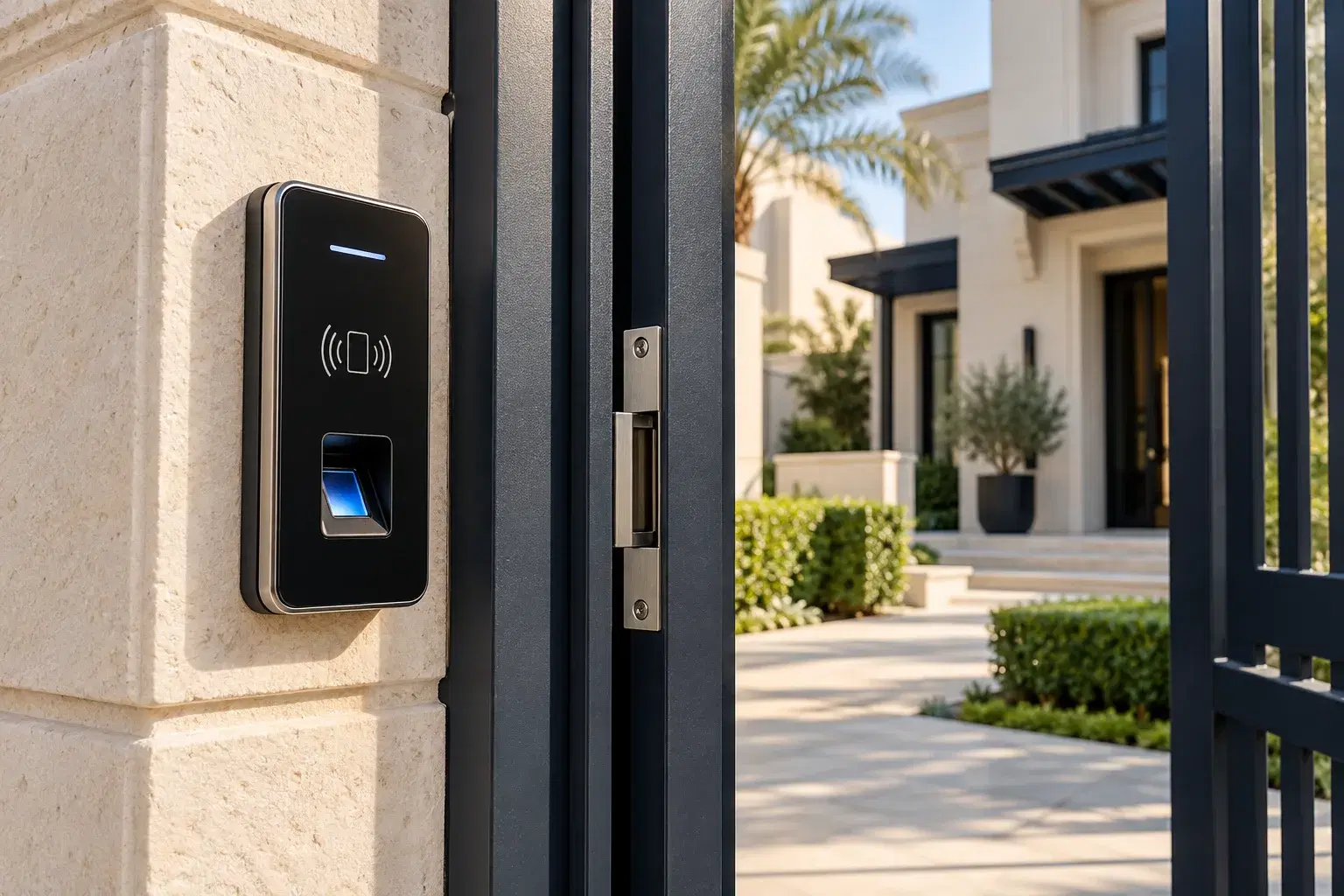
A door access control system decides who can open a door, when, and keeps a record of every entry. Instead of a key, people use a card, a PIN, a fingerprint or their face. When someone is no longer allowed in, you remove their access without changing a lock.
E Concept designs and installs these systems. We start with the doors themselves, because the right reader, lock and wiring depend on the door material, how many people use it, whether it is indoors or outdoors and how it must open in an emergency. We then recommend equipment for your scenario, not a fixed product list.
For the wider picture, see our biometric access control systems. If you also need staff attendance, ask about the all-in-one attendance and access control solution.
Get your free consultation
What is included
What a Door Access Control System Includes
A working door needs more than a reader. These are the parts we plan and install for each door.
Reader
The device people present a card, PIN, fingerprint or face to. The type depends on the security level and how many people use the door.
Controller
The unit that decides whether to open the door. It can sit inside the reader or in a separate box, and it stores who is allowed in.
Electric lock
A magnetic lock, electric strike or electric bolt, chosen for the door type and how it must behave if power is lost.
Exit button and door contact
An exit button lets people leave. A door contact shows whether the door is open or closed and can raise an alert if it is left open.
Power supply and backup
Locks need a suitable power supply. We discuss backup power for doors that must keep working during a power cut.
Software and cabling
Software manages users, schedules and entry records across doors. We install the cabling and network connections the system needs.
Locks and safe exit
Choosing the Right Lock and Planning Safe Exit
The lock decides what happens when power is lost. A fail-safe lock unlocks when power is cut. A fail-secure lock stays locked. A magnetic lock holds the door shut only while it has power, so it is fail-safe by nature. An electric strike can be set up either way.
Doors on an escape route must open easily from the inside in an emergency, including during a power cut or a fire alarm. Secure rooms that people do not need to escape through are often fail-secure. Doors that are fire-rated, or that lead to stairwells and exits, need extra care.
At the survey we look at each door, choose the lock type and plan the exit button and any fire alarm release. The requirements that apply depend on your building, so we confirm them with you and the relevant authority before installation.
Standalone or networked
Standalone or Networked Access Control?
A standalone system controls one door with a reader or controller that holds its own list of users. It is simple and suits a single door or a small office, but changes have to be made at the door.
A networked system connects the doors to software, so you manage users and schedules for every door from one place and see who entered where and when. It suits larger offices, several doors or more than one site.
We recommend one or the other after seeing how many doors you have and how often access changes. You can usually start small and add doors later, if the first design allows for it.
Working with other systems
Door Access with Attendance, Intercom and Turnstiles
Access control works well with other systems on the same entrance:
- Time attendance: the same terminal can record staff attendance as well as open the door. See time attendance systems and the all-in-one solution.
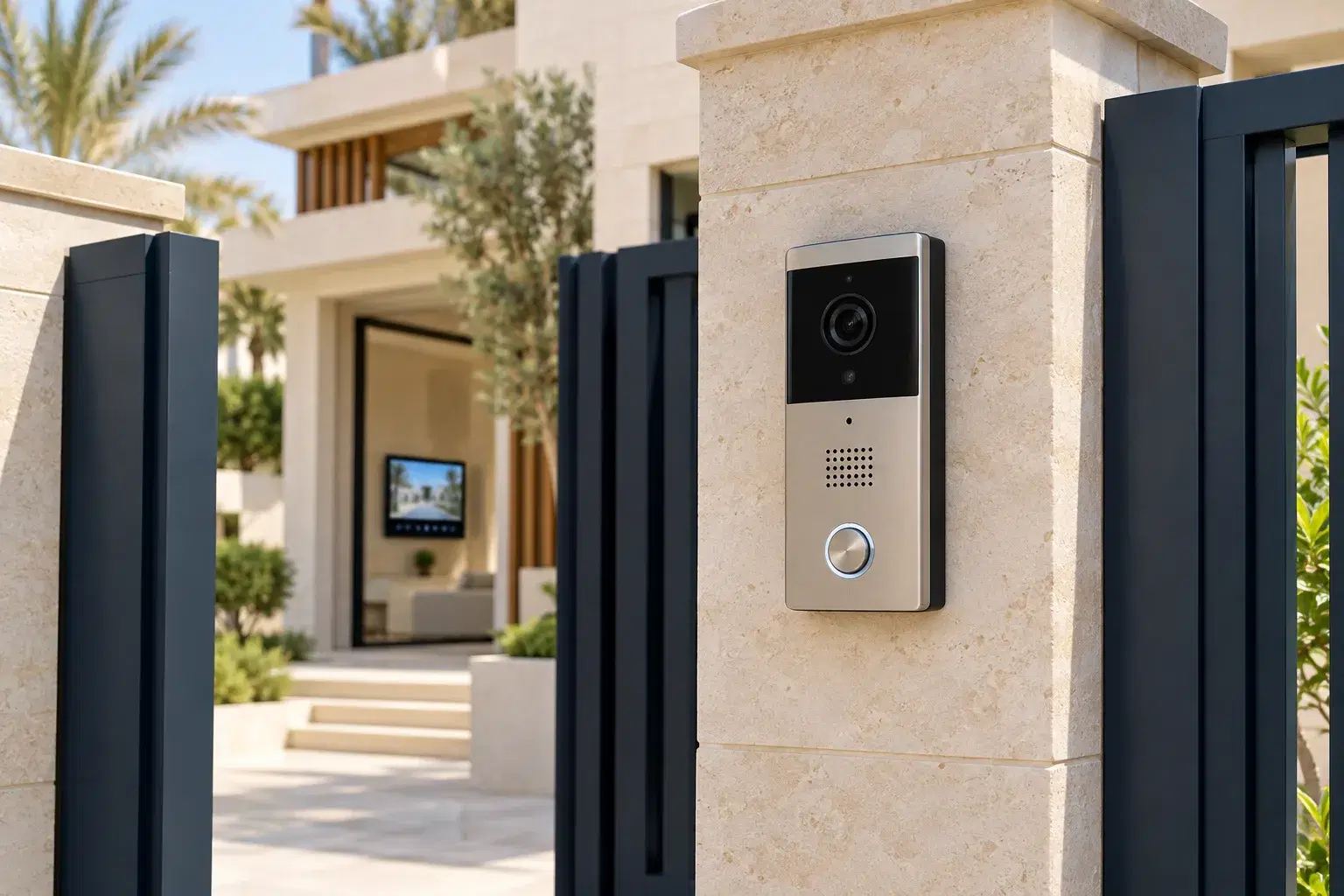
- Video intercom: staff can see and speak with visitors before opening the door. See video intercom systems.
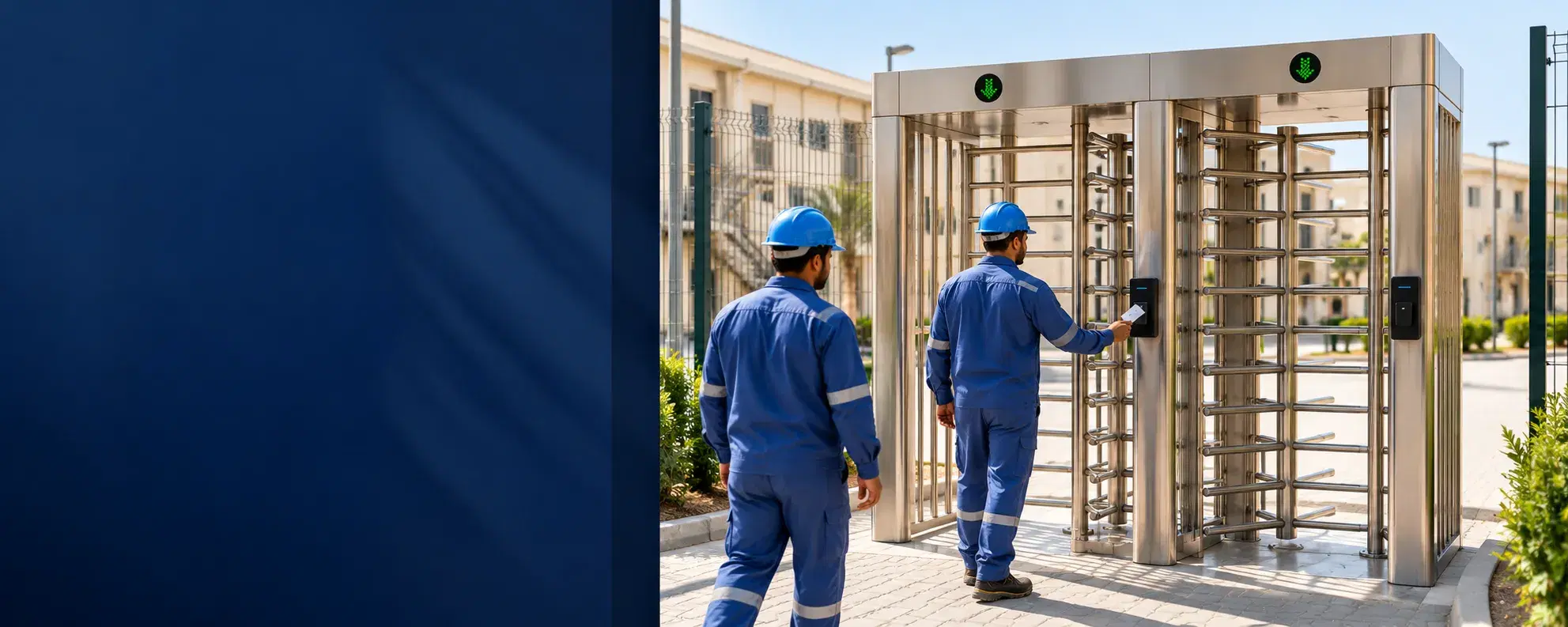
- Turnstiles: for busy pedestrian entrances, turnstile access control can manage the flow of people.
Which combination makes sense depends on your entrance, so tell us how people and visitors arrive and we will recommend a set-up.
Choosing a reader
Which Reader Type Suits Your Door?
Most sites use a mix. The right choice depends on the door and the people using it.
| Reader type | Best for | What to consider |
|---|---|---|
| Card or RFID | Offices and shared areas with many users | Cards can be lost or shared, so they suit lower-risk doors |
| PIN keypad | Small teams and storerooms | PINs can be shared or watched, so they work well combined with a card |
| Fingerprint | Areas that need to know the person present | Readability varies with finger condition and the environment |
| Face recognition | Touchless entry at busy doors | Lighting, mounting position and the model’s capabilities |
Higher-security doors can combine two methods, for example a card and a PIN.
Pricing
What Affects the Cost of Door Access Control
The price depends on the number of doors, the reader type, the lock and door type, the cabling distance, the software needed and whether the system is standalone or networked. Doors made of glass or aluminium frames, or doors that are fire-rated, can need different hardware from a standard office door.
We quote per project after a free site survey, so the quotation lists the equipment, the installation and the software for your doors.
How we work
How We Install Your Door Access System
- 1
Step 1: Review Your Requirements
We discuss how many doors, who needs access, when, and any systems you want to link.
- 2
Step 2: Survey the Doors
We check each door’s material, frame, power, cabling route, exit needs and whether it is indoors or outdoors.
- 3
Step 3: Design and Quote
We recommend readers, controllers, locks and software and provide a quotation covering the equipment and installation.
- 4
Step 4: Install and Configure
Our engineers install the hardware, run the cabling and set up users, schedules and door behaviour.
- 5
Step 5: Test and Train
We test every door, including exit and power-loss behaviour, and show your team how to manage users and entry records.
Why E Concept
Why Choose E Concept for Door Access Control?
Survey-Led Design
We look at each door before recommending anything, so the equipment suits the door and how it is used.
Equipment Matched to Your Scenario
We are an installer, not tied to a short product list. We recommend the right reader, controller and lock for each site.
Safe Exit Planned In
We plan exit buttons, lock behaviour and fire alarm release with you, and confirm what applies to your building.
Links to Attendance and Intercom
Door access can share a terminal with time attendance or work with video intercom, so one installation covers more.
Industries
Where We Install Door Access Control
- Offices and SMEsControl entry to the office and to storerooms, server rooms and management areas.
- Shops and Retail BusinessesRestrict staff-only areas and stock rooms, with a record of who entered.
- Schools and ClinicsManage staff access to controlled areas, with permissions set per room or zone.
- Warehouses and Operational SitesControl access to yards, stores and offices, using hardware that suits the environment.
- Apartment Buildings and VillasControl entry to shared areas and combine with [video intercom](/video-intercom-systems-dubai/) where needed.
Questions
Frequently Asked Questions
What is a door access control system?
It is a system that controls who can open a door, when, and records each entry. People use a card, PIN, fingerprint or face instead of a key, and you can remove someone’s access without changing a lock.
How does a door access control system work?
A person presents their credential to the reader. The controller checks whether they are allowed in at that time and, if so, tells the lock to release. The system records the entry.
Which is better: card, PIN, fingerprint or face recognition?
It depends on the door. Cards are convenient but can be shared. Fingerprint and face recognition confirm the person present. Higher-security doors can combine two methods. We recommend a reader for each door at the survey. See also our biometric access control systems.
What is the difference between standalone and networked access control?
A standalone system controls one door and holds its own user list. A networked system connects doors to software, so you manage users and see entry records for every door from one place.
What is the difference between a magnetic lock and an electric strike?
A magnetic lock holds the door shut with a magnet while it has power. An electric strike works with a normal latch and can be set to unlock or stay locked when power is lost. The right choice depends on the door and how it must open in an emergency.
What happens to the door if the power goes off?
It depends on the lock. A fail-safe lock unlocks and a fail-secure lock stays locked. We choose the type for each door, and we can discuss backup power for doors that must keep working.
Can doors on a fire exit or escape route have access control?
Yes, but they need to be planned carefully so people can always leave. We design these doors with the right lock type, an exit button and, where required, a fire alarm release, and we confirm the requirements for your building before installation.
Can you fit access control to glass or aluminium doors?
Often yes, but these doors usually need different locks and fixings from a standard door. We check the door and frame at the survey before recommending hardware.
Can door access also record staff attendance?
Selected terminals can do both. See our time attendance systems and the all-in-one attendance and access control solution.
Can I add more doors later?
Usually yes, if the first design allows for it. Tell us your plans and we will design the system so more doors can be added.
What if someone loses their card?
On a networked system you disable the card in the software, and it stops working. On a standalone system you remove it at the door controller.
How much does door access control cost in Dubai?
The price depends on the number of doors, the reader type, the lock and door type, cabling and software. We quote per project after a free site survey.
Do you install outside Dubai?
Yes. We provide installation services across the UAE. Share your site location so we can confirm the arrangements and quotation.
What warranty and support are included?
Your quotation will state the warranty coverage and support arrangements for the selected equipment and installation.
Get started
Get a Free Site Survey and Quote
Tell us how many doors you want to control and who needs access. Our engineers will survey the doors, recommend the equipment and provide a quotation covering the hardware, installation and software.
Request a Door Access Control Quote
Related solutions